1. Select Packs to report.
2. To see metrics in each pack, click on “View Details”
3. Click on “Continue” to confirm selection.
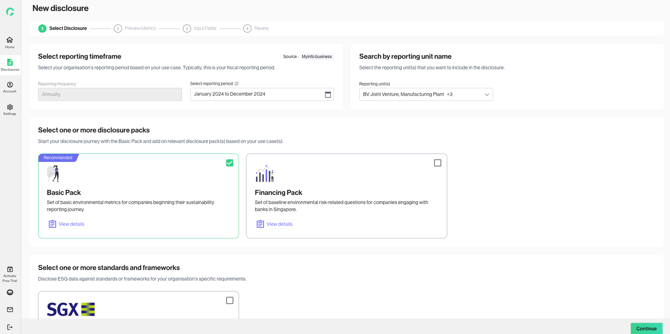
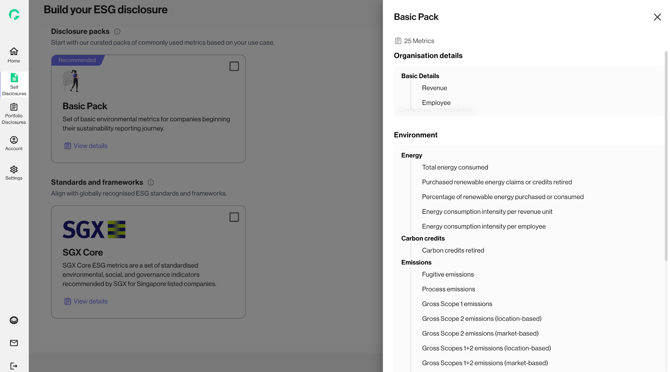
4. You are recommended to start with the Basic Pack.
When you select Basic Pack, the platform will present you a series of five questions, to help streamline and load the relevant metrics based on your organisation’s nature of operations.
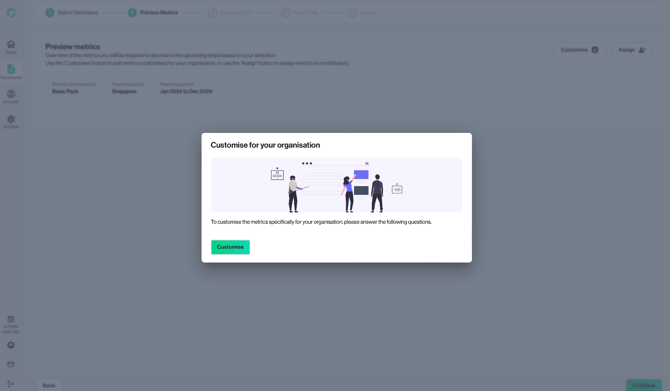
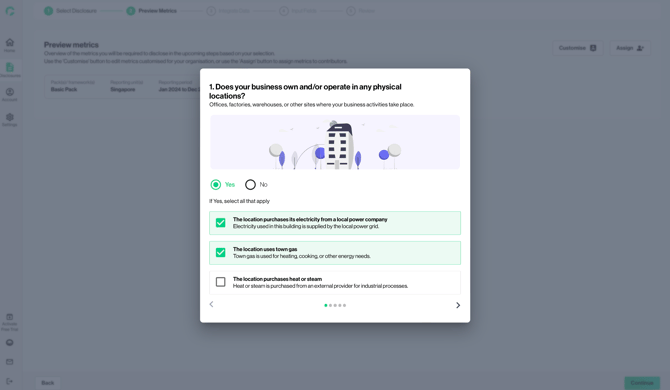
5. Click on “Submit” once all questions are answered
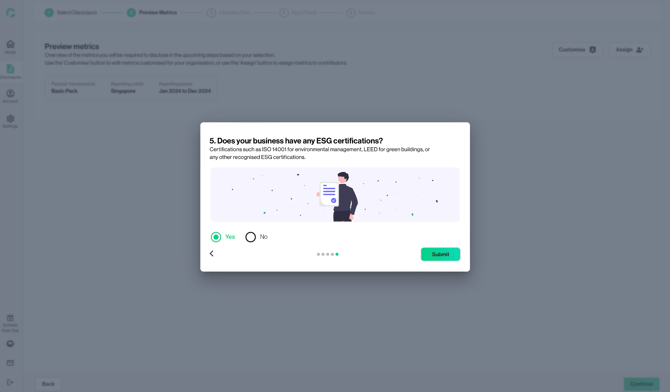
6. In the Preview Metrics section, you will be able to review all metrics that are relevant to you. The number of overlapping metrics (if multiple packs have been selected) is displayed.
7. If you need to change the responses to the customisation questions, click on ‘Customise’ at the top right.
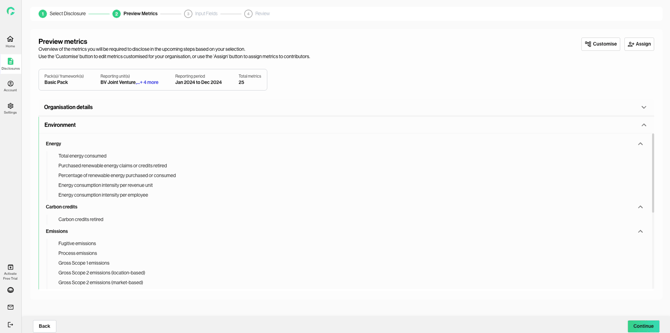
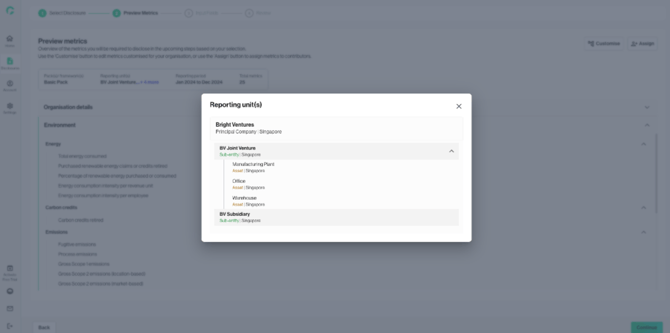
8. If you have included multiple reporting units in your disclosure, click ‘+ X more’ under “Reporting unit(s)” to view the units selected.