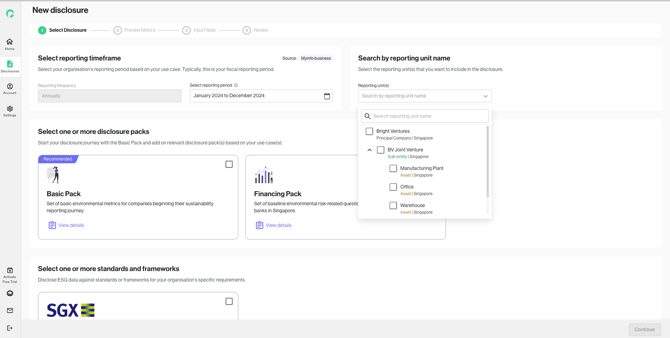
This step of the disclosure flow aims to give users the ability to set up and customise reporting preferences for internal disclosure.
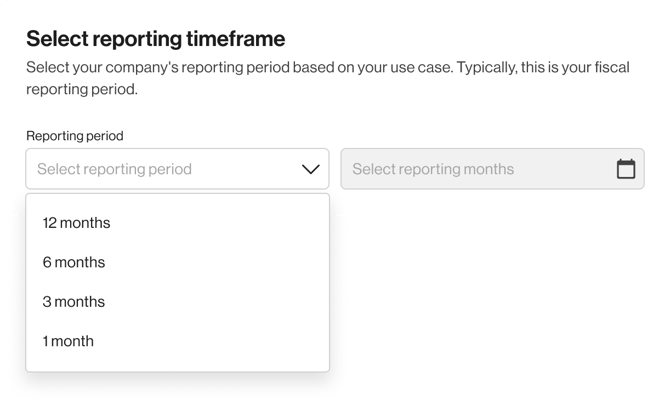
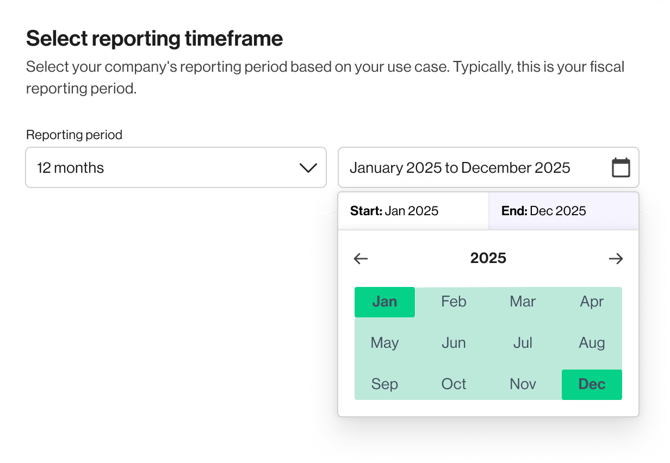
1. Select the reporting period that you wish to collect disclosure data for.
.png?width=670&height=637&name=image-20251121-045318%20(1).png)
2. If you have not configured your organisation hierarchy, you can still start a disclosure for your principal company that was created through the profile setup.
Alternatively, you can click on “Add organisation hierarchy” to configure your reporting units for a more granular reporting.
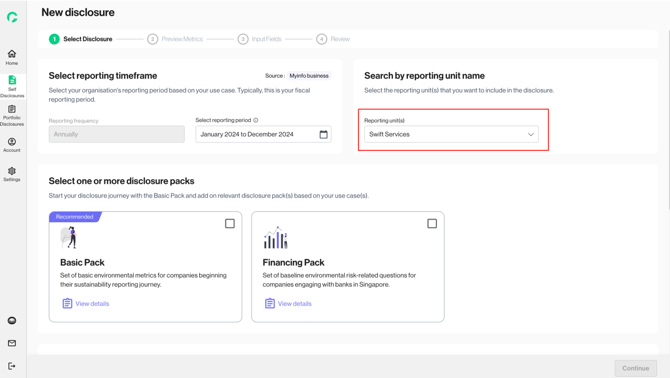
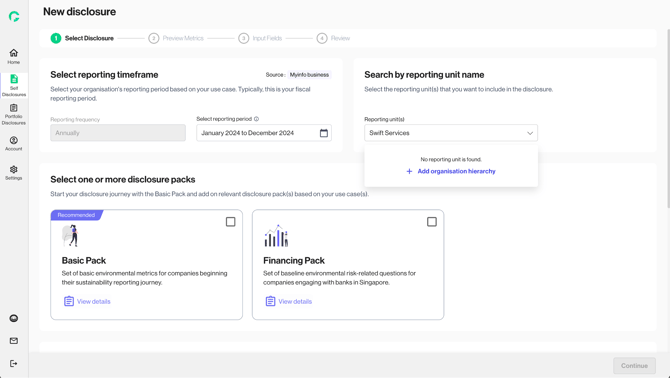
3. If you have configured your organisation hierarchy, choose the reporting units to include in your disclosure.
We will enable data input based on the selected reporting unit, and automatically apply the right emission factors according to the unit’s geographical location.