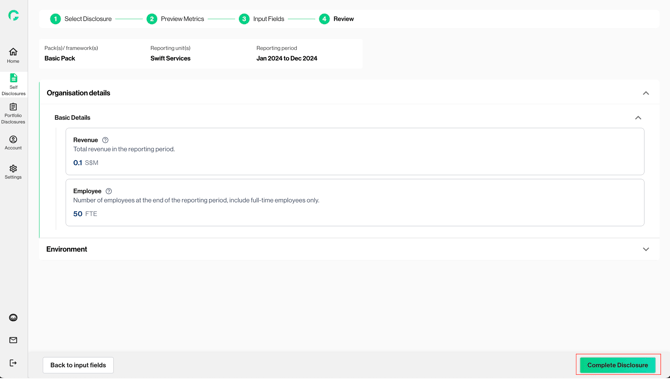
This step of the disclosure flow aims to allow users to review and validate the list of metrics and corresponding calculated values, based on the framework(s) they have selected, before final data submission.
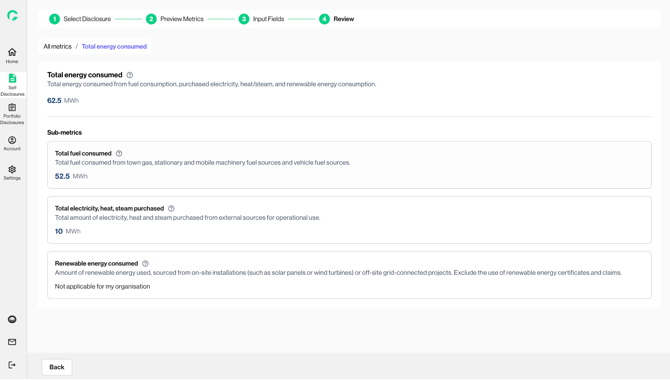
1. You can view the calculated output, based on the data inputted in the previous step.
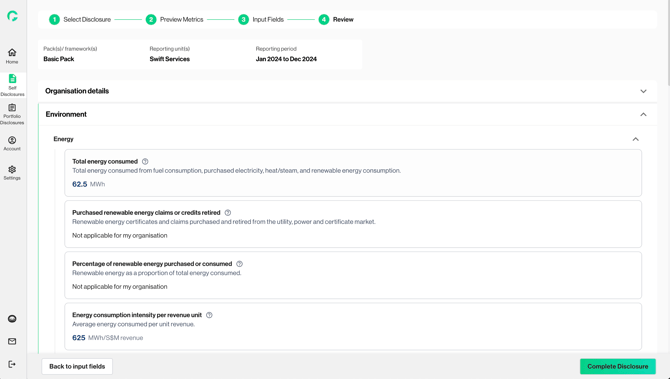
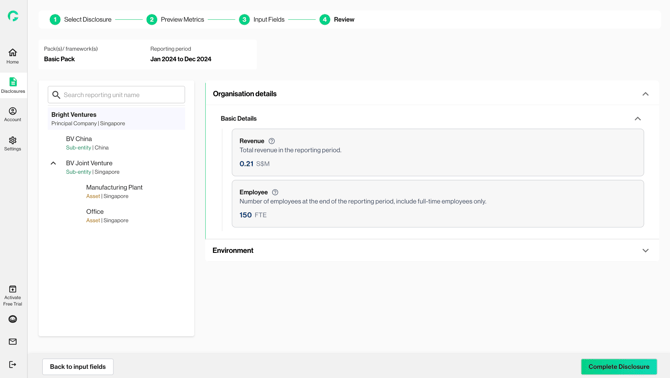
2. If you are disclosing for multiple reporting units, you can use the left navigation bar to review data for each unit. Gprnt automatically aggregates the data for your principal company and sub-entities from their constituents.
3. Tooltip (?) icon can provide you with context and the definition of each metric is and how the values have been computed by Gprnt.
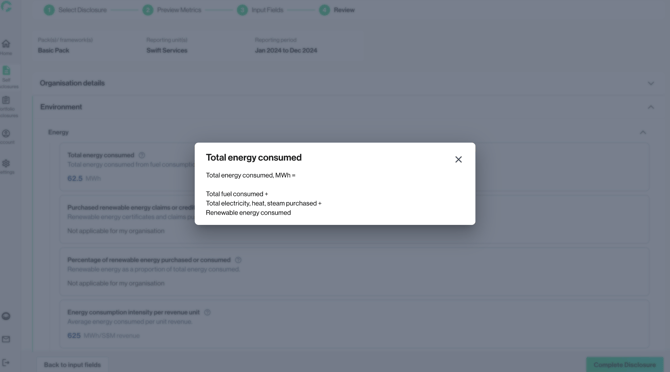
4. You can click into each metric card for more details and a breakdown of metrics used for the computed output.
5. Once you are ready to complete/ submit the disclosure, click on ‘Complete disclosure’