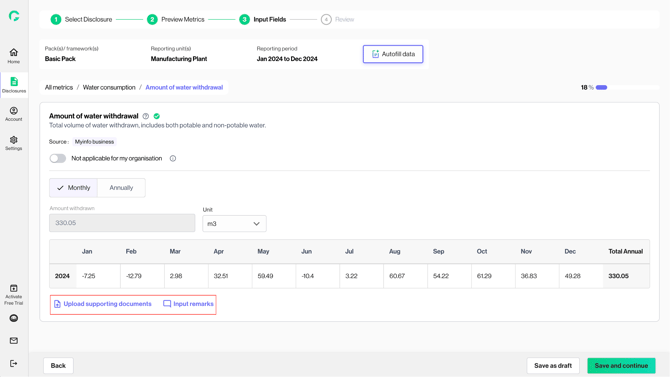
If user has integrated with any of the data partners e.g. Myinfo business, and retrieved any relevant data, user will be able to see retrieved data populated in the relevant fields. This minimises manual data entry required and ensures accurate population of data from identifiable sources.
1. Upon entering the input page, you will see that certain metric/ fields have been filled with data retrieved from sources e.g. Myinfo business
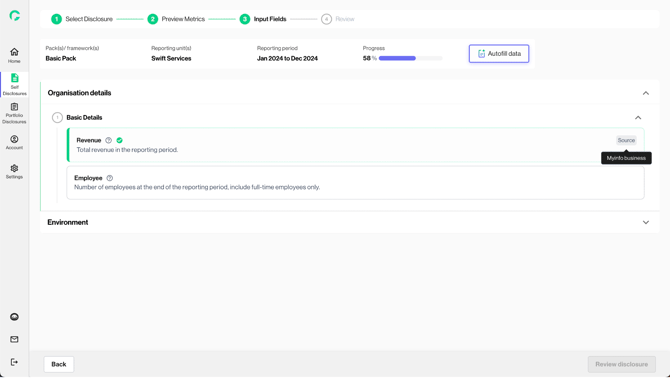
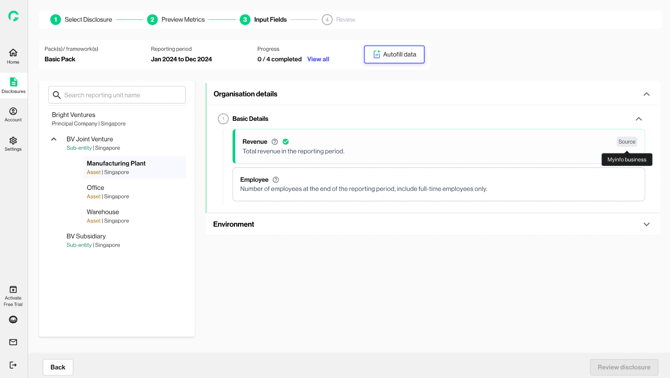
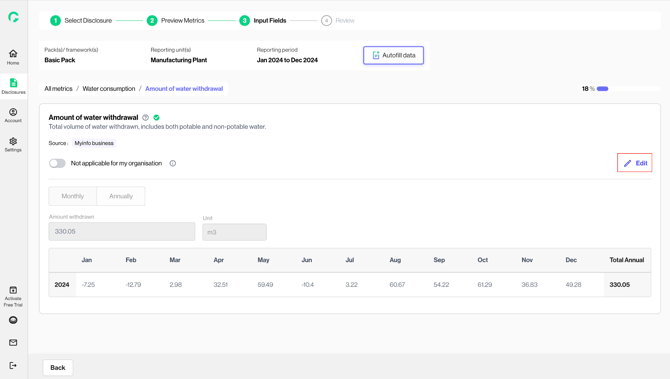
2. When you open the respective data field, you will see that data has been populated.
You will also be able to see the “source” indicated.
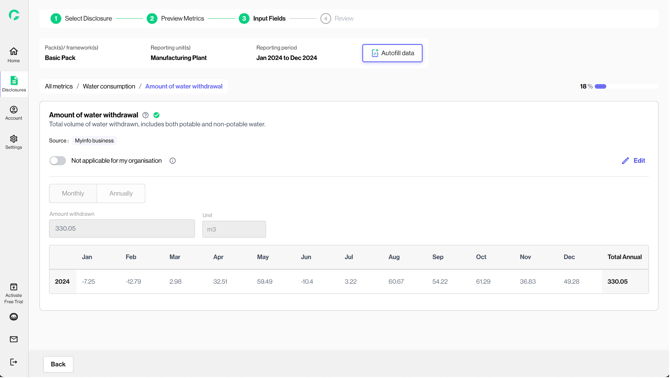
3. To edit a populated field, click on “Edit”. This unlocks the data field for you to make changes.
4. Once changes are made, upload the supporting documents and input reason for edit. Click on “Save as draft” or “Save and continue” to confirm your edits.