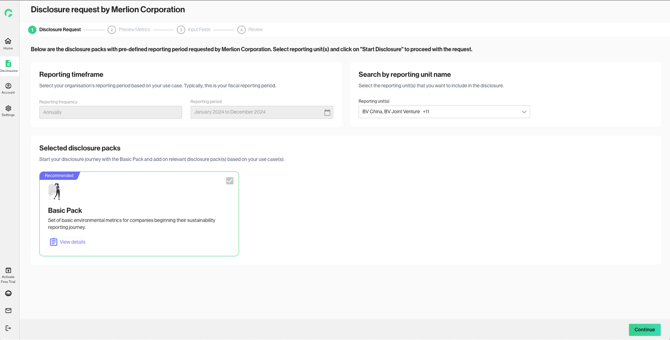
This article details the user flow of how a company can:
-
Access a disclosure request
-
Complete the disclosure according to the reporting preferences set and submit the completed submission to the requestor.
There are two ways to receive a disclosure request:
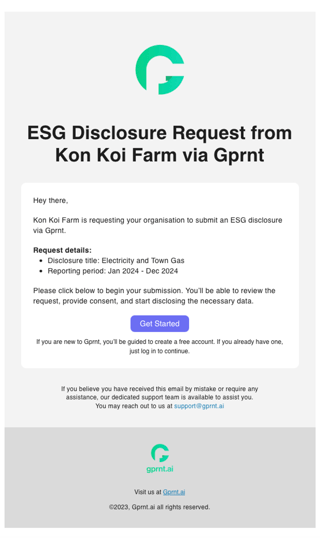
1. Email invitation: Upon receiving the disclosure request email, click “Get Started” to access the Gprnt platform.
2. Unique direct link: Copy and paste the provided link in a browser to access the Gprnt platform. 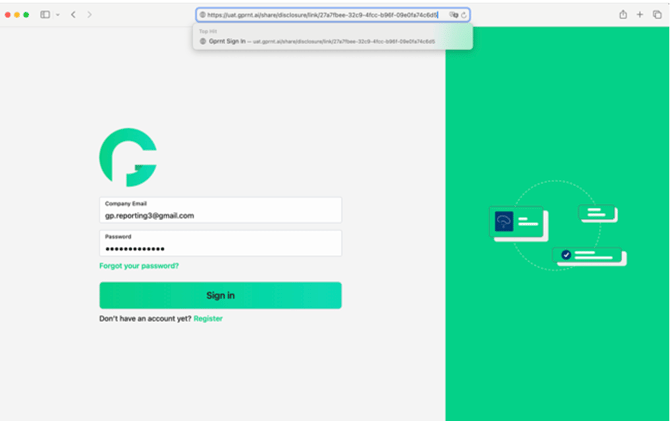
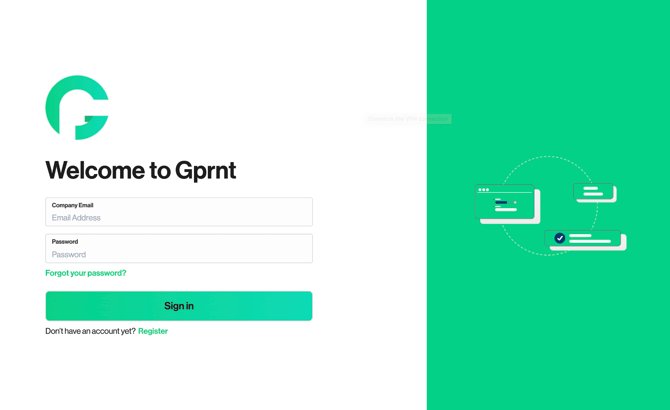
3. For users without a Gprnt account, user should click on “Register”.
For users with existing accounts, user can just log in to the platform.
4. Once user successfully enters Gprnt platform, user see a prompt indicating the disclosure requested by the requestor. User can click on “Disclose Now” to start disclosing.
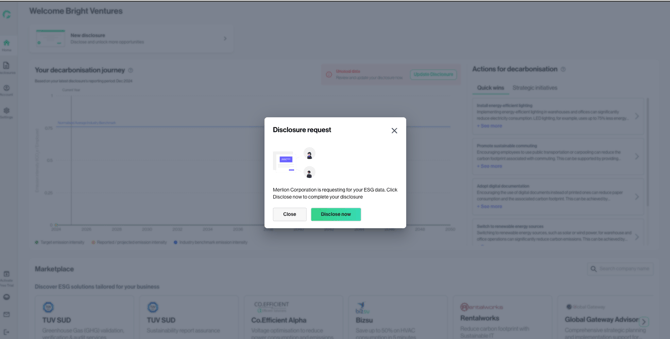
Review Reporting Parameters
1. User will be directed to the page where they are able to see the reporting parameters:
-
Reporting timeframe
-
Disclosure packs to disclose against
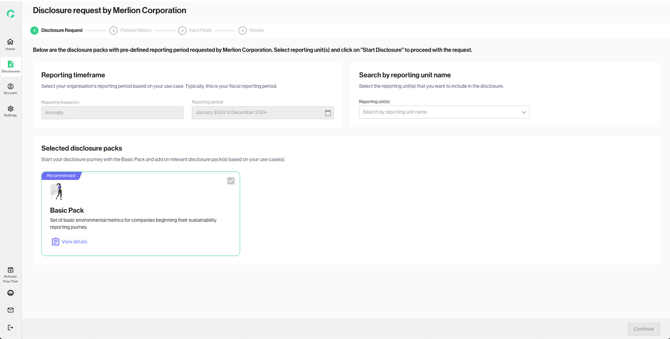
2. User can select the reporting units to include in the disclosure and start reporting.