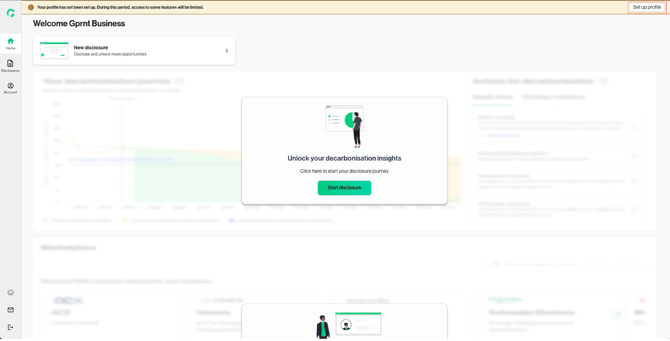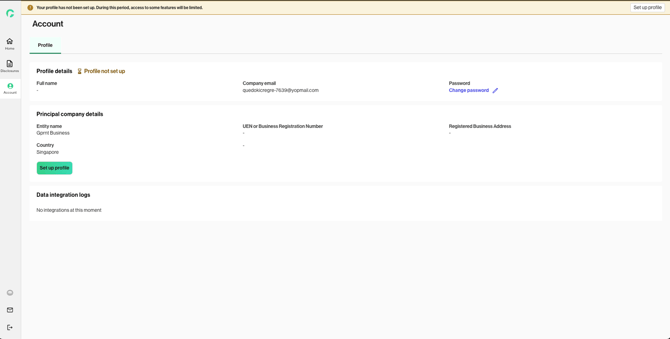
To get started quickly, you can access the platform by entering your company name and complete your profile at a later stage.
Please note that certain features, such as report downloads and collaborator invitations, will only be available after your profile setup is completed.
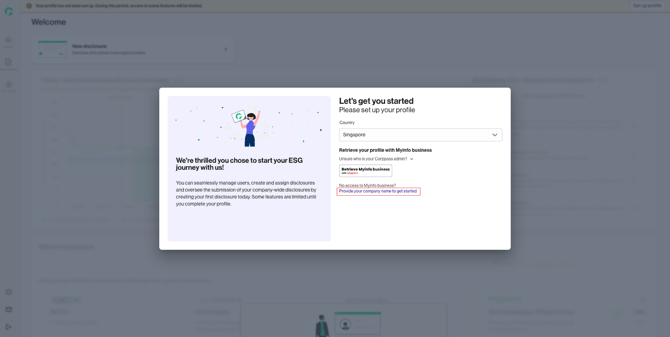
1. If you do not have access to Myinfo business and would like to set up your profile later, click “Provide your company name to get started”
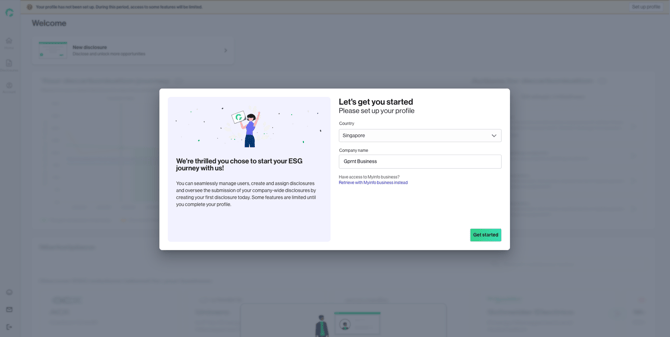
2. Input your company name and click “Get started”
3. You can resume profile setup anytime by clicking “Set up profile” on the Dashboard or the Account page.