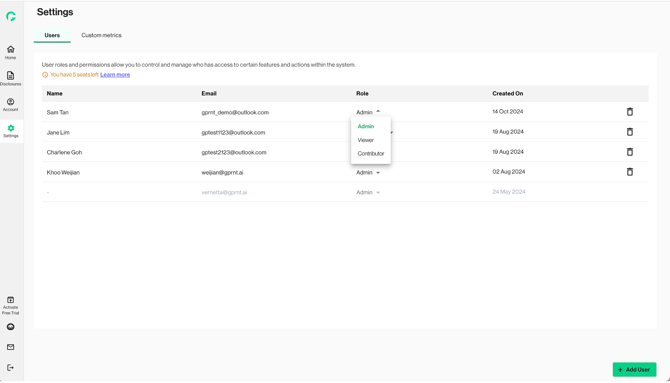
This feature is only accessible by Admin users. Only the user roles of active users can be changed.
1. Click on the dropdown under the “Role” column to show role options: Admin, Contributor and Viewer. The existing role of the user shows up in Green.
2. Click on the desired new role.
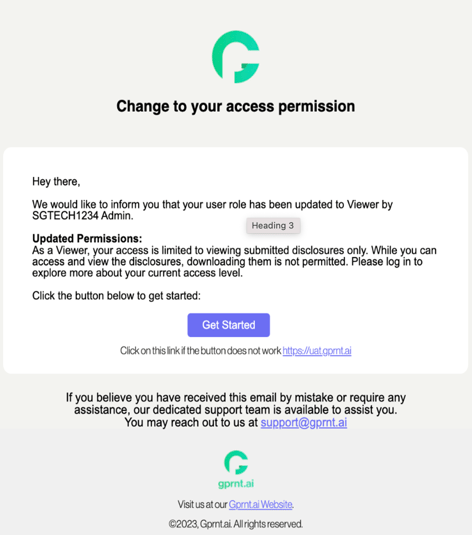
3. An email notification will be sent to the user to notify that the access permission has been changed.