1. Hover over a reporting unit to reveal the action icons.
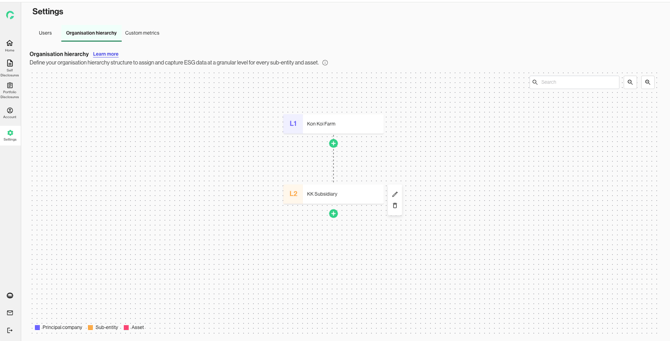
2. Click on the edit pencil icon to make changes to the reporting unit.
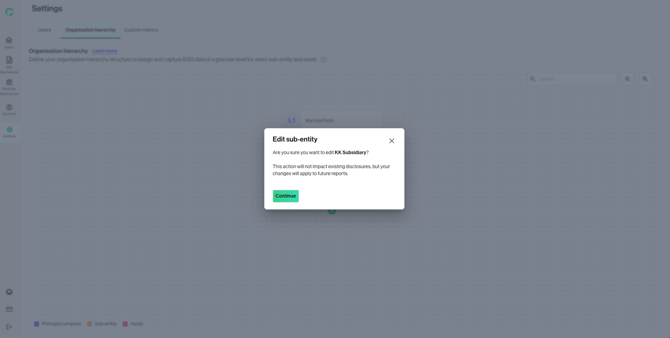
The edits will not impact existing disclosures, but new changes will apply to future reports.
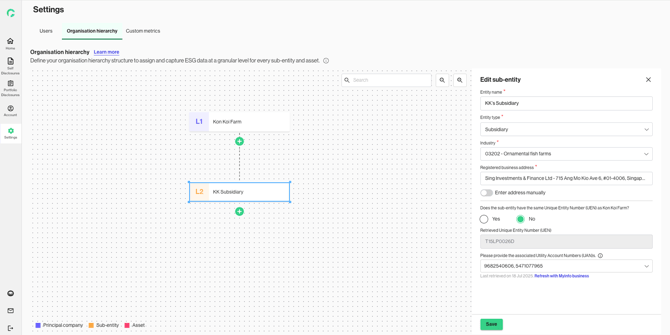
3. By proceeding, the edit panel will be displayed for you to edit the fields.
Click on ‘Save’ to confirm the changes.