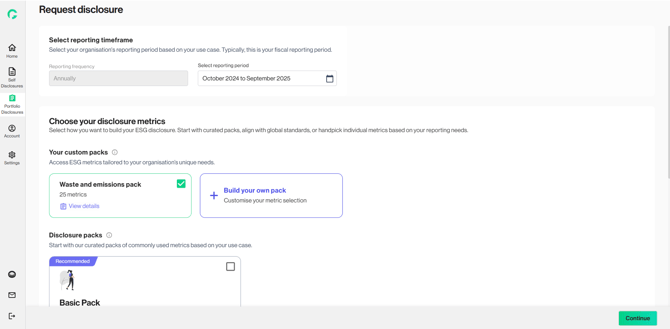
The Custom Pack feature allows users to create, save, and reuse their preferred set of metrics, eliminating the need to manually reselect them for each new disclosure. Users can combine metrics from both the Gprnt metric library and their own custom metrics to build a truly tailored pack. These packs can be applied to the organisation’s self-disclosures, or used as part of disclosure requests made to portfolio companies. This step is not mandatory.
This feature is available for: Admin and Contributor roles
1. Create custom pack from ‘Settings’ > ‘Custom pack’ tab. Click “Add custom pack”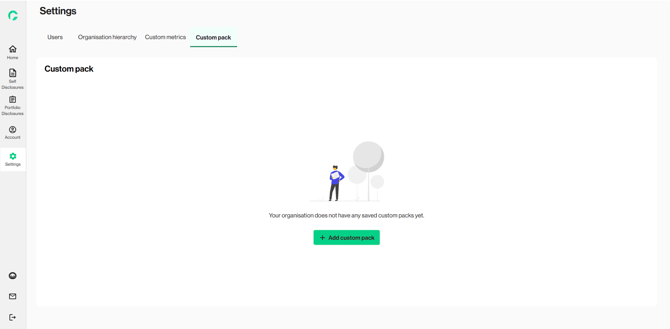
2. Alternatively, create directly at the disclosure selection page. 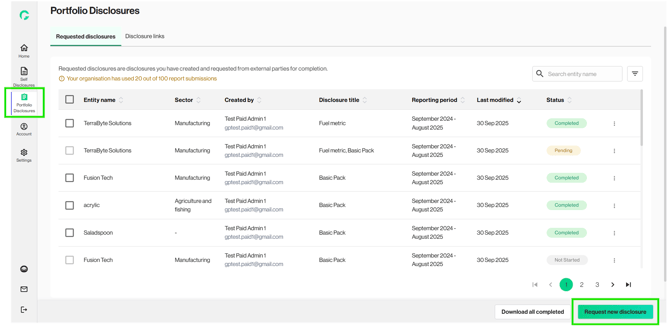
3. Go to ‘Custom your report’, click ‘Build your own pack’ 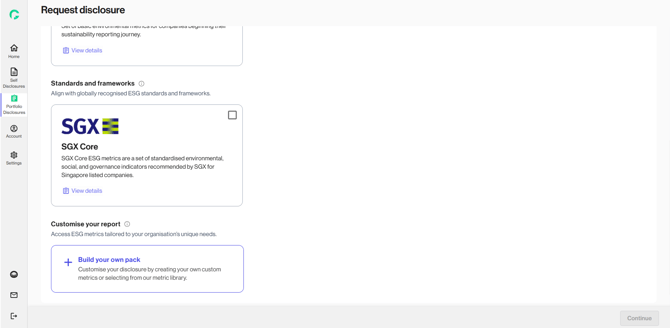
4. Select from “Your custom metrics and/or “All metrics”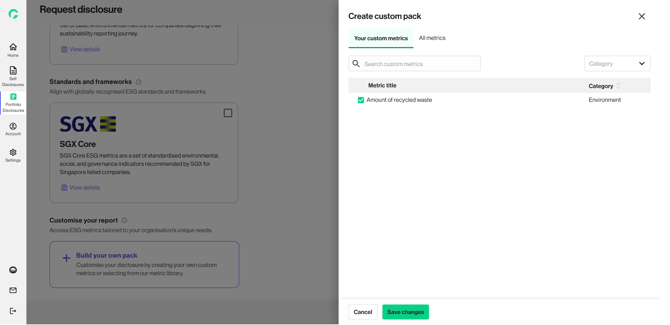
5. Use the search bar to find your desired metrics. Once ready, click on ‘Save changes’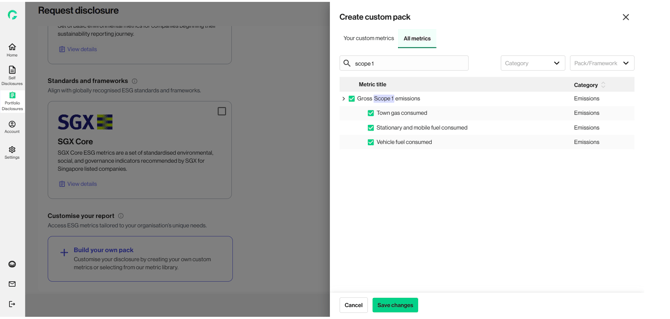
6. Name your custom pack and click on ‘Save and continue’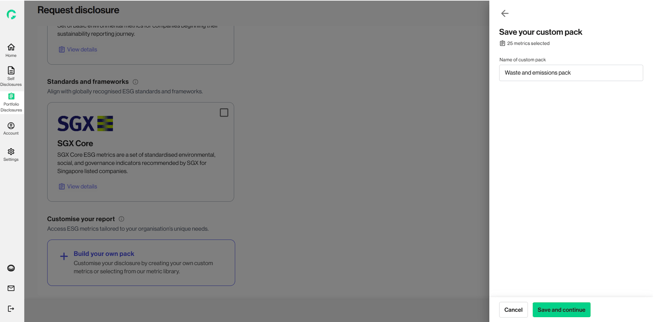
7. Your custom pack is now created! You can use it as a standalone, or you can select a combination of multiple packs for your disclosure.