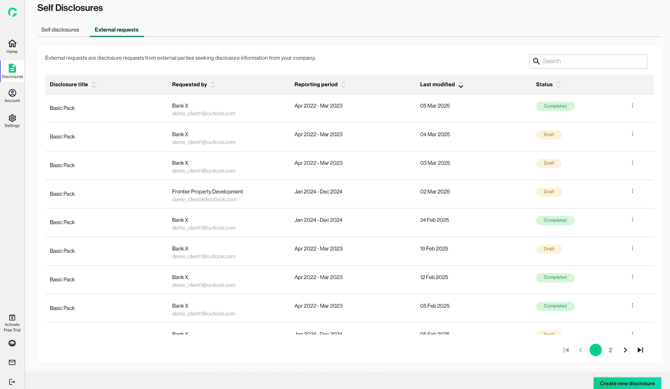
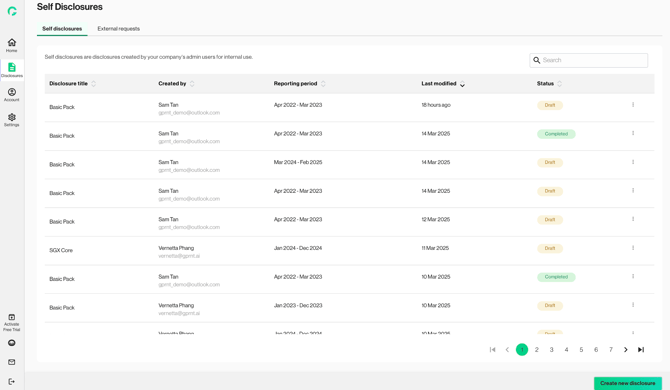
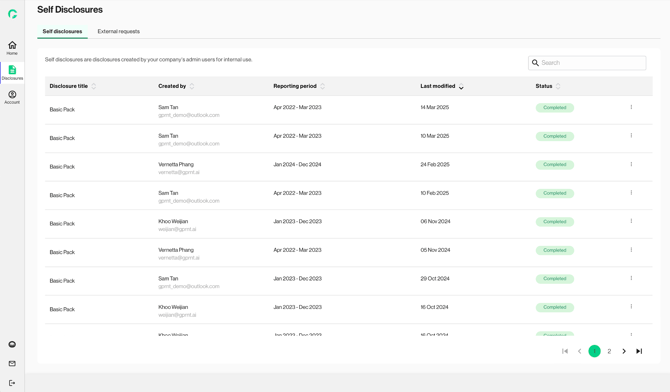
The tab ‘Self Disclosure’ houses all disclosure records that were started, and / or completed by the user.
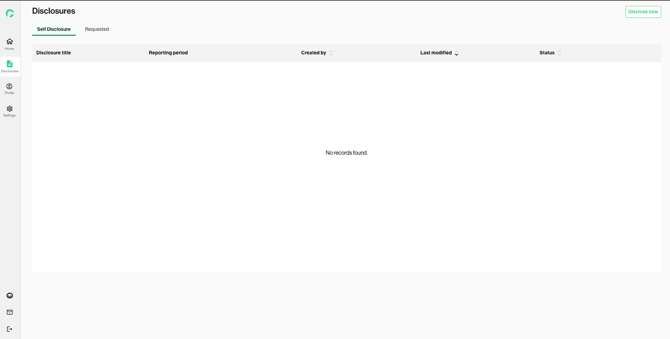
1. No disclosure records
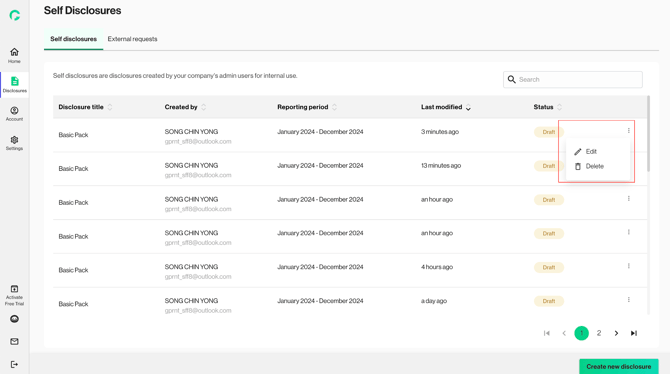
2a. As an Admin/ Contributor, the user can view / edit / delete / download all self-disclosure records. You can click on the menu icon to access the actions.
2b. As a Viewer, the user can view, and download completed disclosure records.
3. If you have any disclosures that have been assigned i.e. via a shared link, you can access them via the “Requested” tab.